

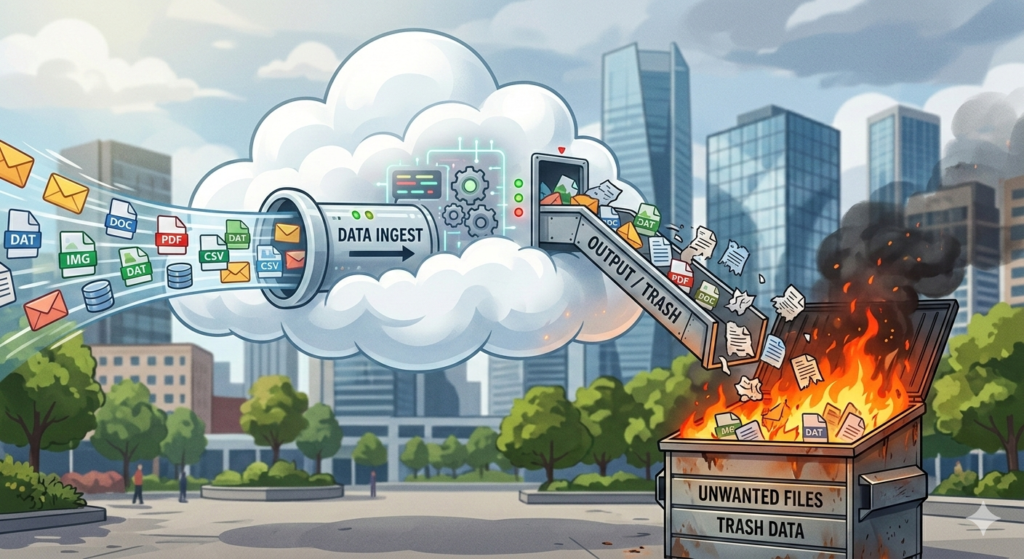
In the modern world, we are told that the “Cloud” is a magical, ethereal vault where our digital lives go to be pampered by angels. Apple calls it iCloud, and they’ve spent billions of dollars making you believe it’s the ultimate safety net for your photos, your documents, and those “hilarious” videos of your dog sneezing.
However iCloud is about as much of a backup as a sieve is a bucket.
Here is the fundamental thing you need to understand before entrusting your backup strategy – completely – to iCloud: iCloud is a synchronisation service. What does that mean? It means it’s a giant mirror. If you have a photo on your iPhone, iCloud makes sure that same photo appears on your iPad and your Mac. “Ooh, look at that,” you say, “it’s everywhere! It’s safe!”
Except it isn’t. Because if you—in a moment of clumsiness or madness—delete that photo on your phone, the mirror sees what you’ve done. It thinks, “Ah, they don’t want that anymore,” and it immediately deletes it from your iPad, your Mac, and its own servers.
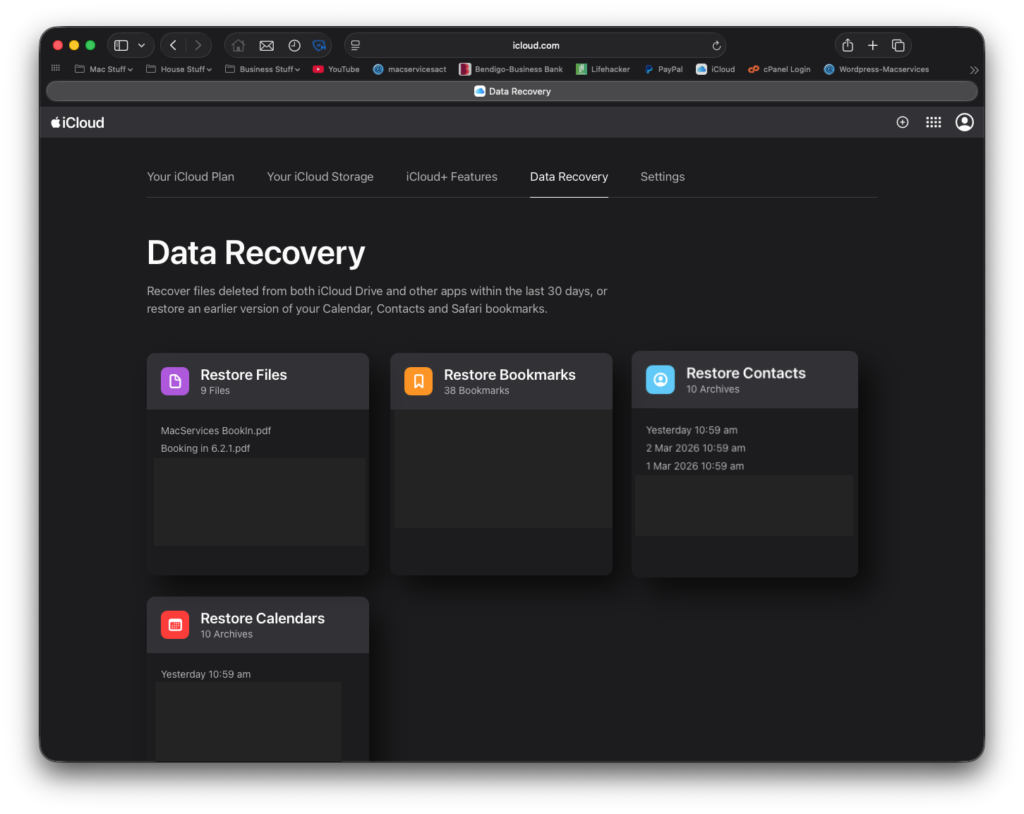
Now at this point I should add there is a get out of jail free card when it comes to iCloud – kind of. It’s not a very good get of jail free card but it is there. However, it’s only there for 30 days and it only includes a few types of files. If it takes you 6 weeks to realise your life’s work has been deleted you’re stuffed. Time Machine on the other hand, can go back years.
A true backup is a separate copy. If you set fire to the original, the backup remains. iCloud doesn’t do that. It just copies your mistakes in real-time. It’s like having a personal assistant who, when they see you drop your watch into a blender, immediately rushes to the drawer to grab your spare watch and throws that in too, just to “keep the sets matching.” It’s total lunacy.
The alternative is something so simple, so robust, and so wonderfully tangible that the Silicon Valley types probably think it’s prehistoric. It’s called a Local Backup.
A local backup is a physical hard drive. It’s a little metal box that sits on your desk and doesn’t require a monthly subscription. When you use something like Time Machine on a Mac, it doesn’t just mirror your current mess; it takes a snapshot.
So this is why local is king.
- Version History: If you realise today that you accidentally deleted a vital paragraph of your novel three weeks ago, Time Machine lets you “go back” and get it. iCloud only knows what you have right now.
- Speed: If your computer explodes and you need to restore 500GB of data, doing it from a physical cable takes an hour. Doing it from the Cloud takes until the next Ice Age.
- Actual Ownership: The drive in your drawer is yours. It doesn’t care if the internet is down, it doesn’t care if your credit card has expired, and it doesn’t care about Apple’s Terms and Conditions. It just holds your stuff.
Now, don’t get me wrong. iCloud is brilliant for syncing. It’s great that I can start a note on my phone and finish it on my Mac. It’s a wonderful convenience.
But if you value your data—if you want to ensure that those photos of your 2024 holiday are still there in 2044—you cannot rely on a mirror. You need a vault.
Get a hard drive. Plug it in. Let Time Machine do its thing. Use the Cloud for the convenience, but keep the local drive for the “Oh no, everything has gone wrong” moments. It’s the only way to be sure.
Now you’ll need to excuse me, I’m going to go and format a disk.

