

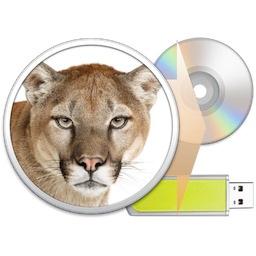
 If you have just purchased and downloaded Mountain Lion I am sure you will recall – along with a rolling of the eyes – how long it took to download the update. If you are unfortunate enough to ever need to reinstall Mountain Lion you will have to go through this all over again.
That was until the smart folks at Serial Serveur came up with Mountain Lion DiskMaker.
I don’t think it’s an exaggeration to say that if you have purchased Mountain Lion this is the very next thing you need to do.
Head over to the Mountain Lion DiskMaker website and download the Donationware application.
Grab yourself a DVD for a 4 GB USB thumb drive and plug it into your Mac.
Launch Mountain Lion DiskMaker and then follow the on-screen instructions.
When it’s done put the DVD or the USB stick in a safe place.
This is quick, easy and essential – unless you like waiting around or have shares in a cable company.

