
Most commented posts
- Too many Photos? — 7 comments
- Urgent Upgrade Recommended — 6 comments
- Apple stores – posed the same question. — 6 comments
- There is an answer to slow internet — 5 comments
- Working from home — 5 comments


Jul 07 2015
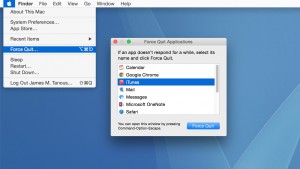
In ancient times, well ok the 1990’s, if an application failed it meant the whole Mac failed. You really did have the thrown the baby out with the bath water. But for a long time now you won’t lose the data in your unsaved* Excel spreadsheet if Word fails for some reason. If an application …
Permanent link to this article: https://macservicesact.com.au/force-quitting-an-application/
Jun 01 2015
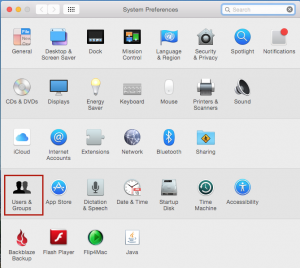
So you’d rather clean the shower with a toothbrush than reboot your mac because everytime you do half a dozen applications fire up making it a more tedious experience than watching an episode of Big Brother. There can be a couple of reasons for this and they are all easy to fix. A few years …
Permanent link to this article: https://macservicesact.com.au/why-do-these-applications-keep-popping-up/
Jun 01 2015
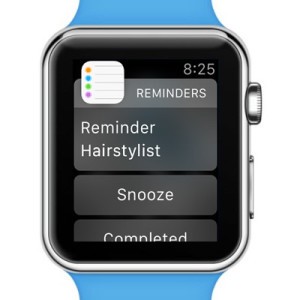
I don’t know about you but when thinking about spending nearly $500 on a watch I’d want to think long and hard about it. After all, its only a watch! I mean, telling the time can come to you for the princely sum of $10.00 and adding (in the case of the cheapest model) $489.00 …
Permanent link to this article: https://macservicesact.com.au/apple-watch/
Jun 01 2015

Think of your Dock like the preloaded radio stations on your car stereo. The icons sit there waiting for you to click on them when needed but removing those icons doesn’t delete the application in the same way as deleting Button 1 on your car stereo doesn’t demolishes KIX 106 (unfortunately) To add an icon to the dock …
Permanent link to this article: https://macservicesact.com.au/the-dock/
Apr 26 2015
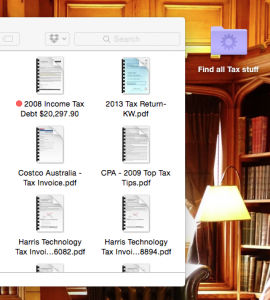
A folder is like a draw. They are simple and self explanatory… you put stuff in them and thats where they stay and that’s all there is to it. But the Mac OS lets you create “smart” folders that turn the concept of the humble folder into something very different and a whole lot more useful. You’ll …
Permanent link to this article: https://macservicesact.com.au/smart-folders-2/
